
PickMate — 30 seconds to pick?
Let AI weigh in
It syncs with the League client automatically, reads your team comp and the enemy picks, and suggests four champions worth locking in — plus a game plan.
Windows 10/11 · 1 credit per recommendation, free credits every month
Up and running in three steps
Install and sign in
Download the Windows app, install it and sign in with a social account such as Google or Kakao.
Launch League
Keep the League client open and the app connects on its own. Nothing to type in.
Get picks in champ select
When champ select starts, one click gets you four recommendations and a game plan.
Everything champ select needs, on one screen
From client sync to Fearless tracking — all of it is in the app today.
Recommendations shown are examples.
Syncs with the League client
Bans and picks fill in live. No need to enter your lane, allies or enemies by hand.
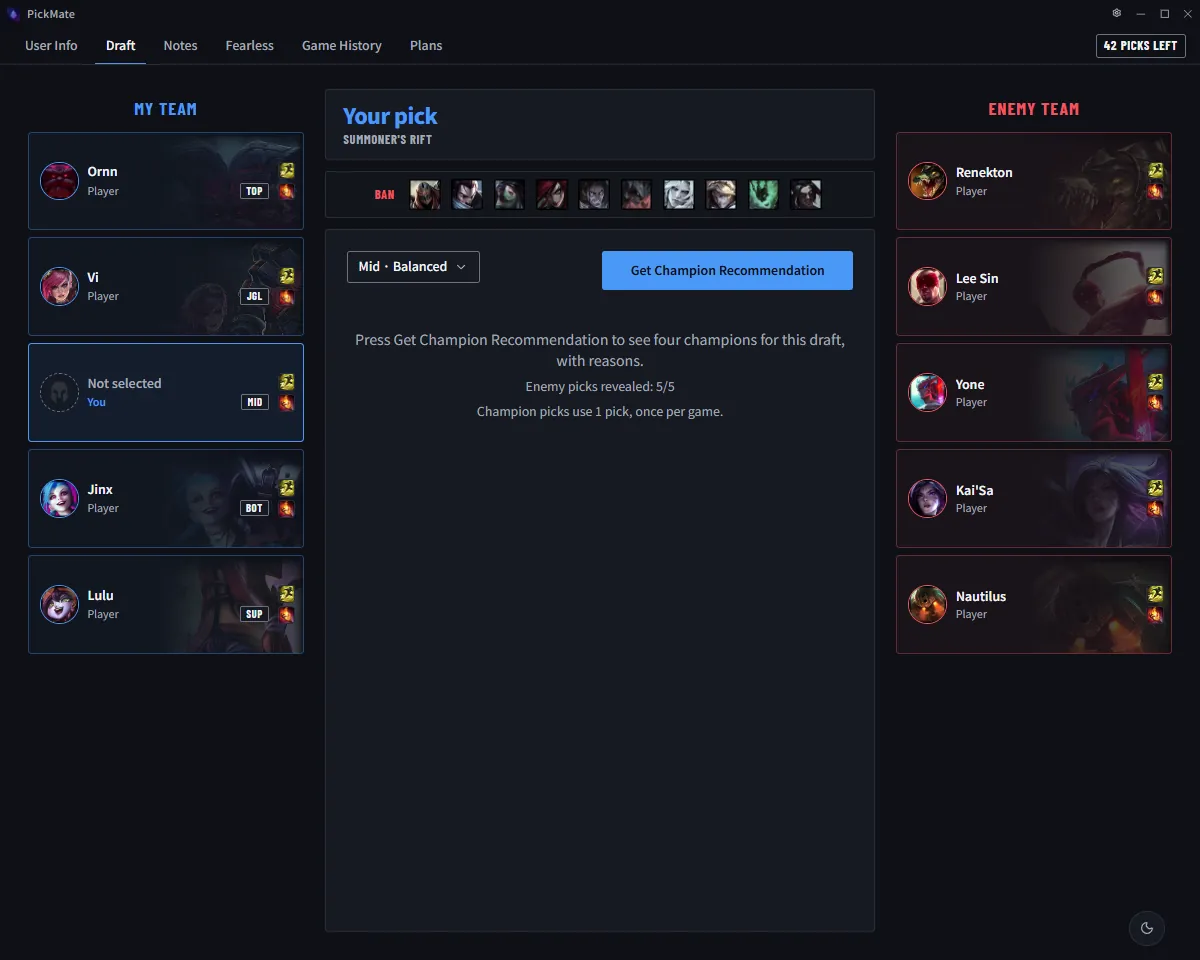
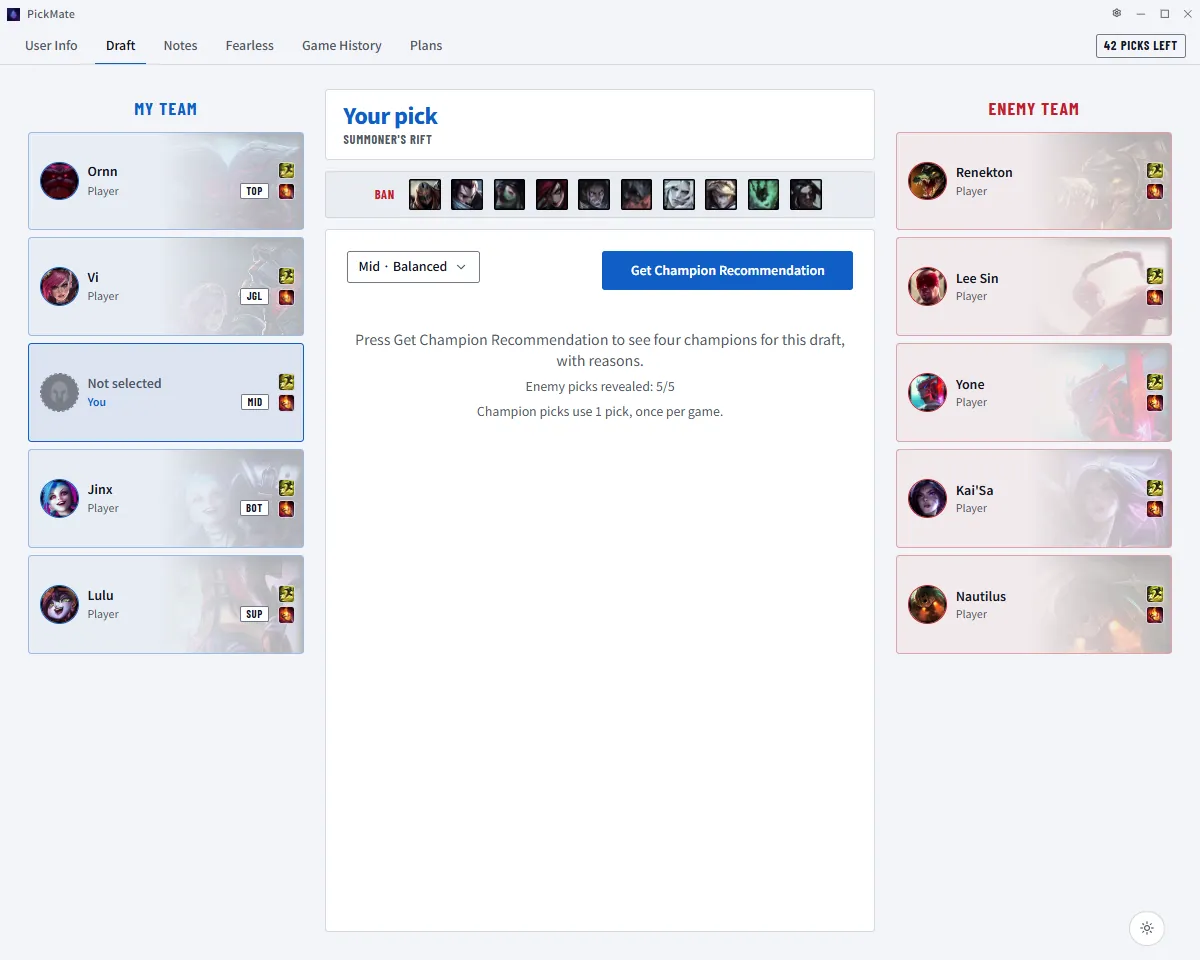
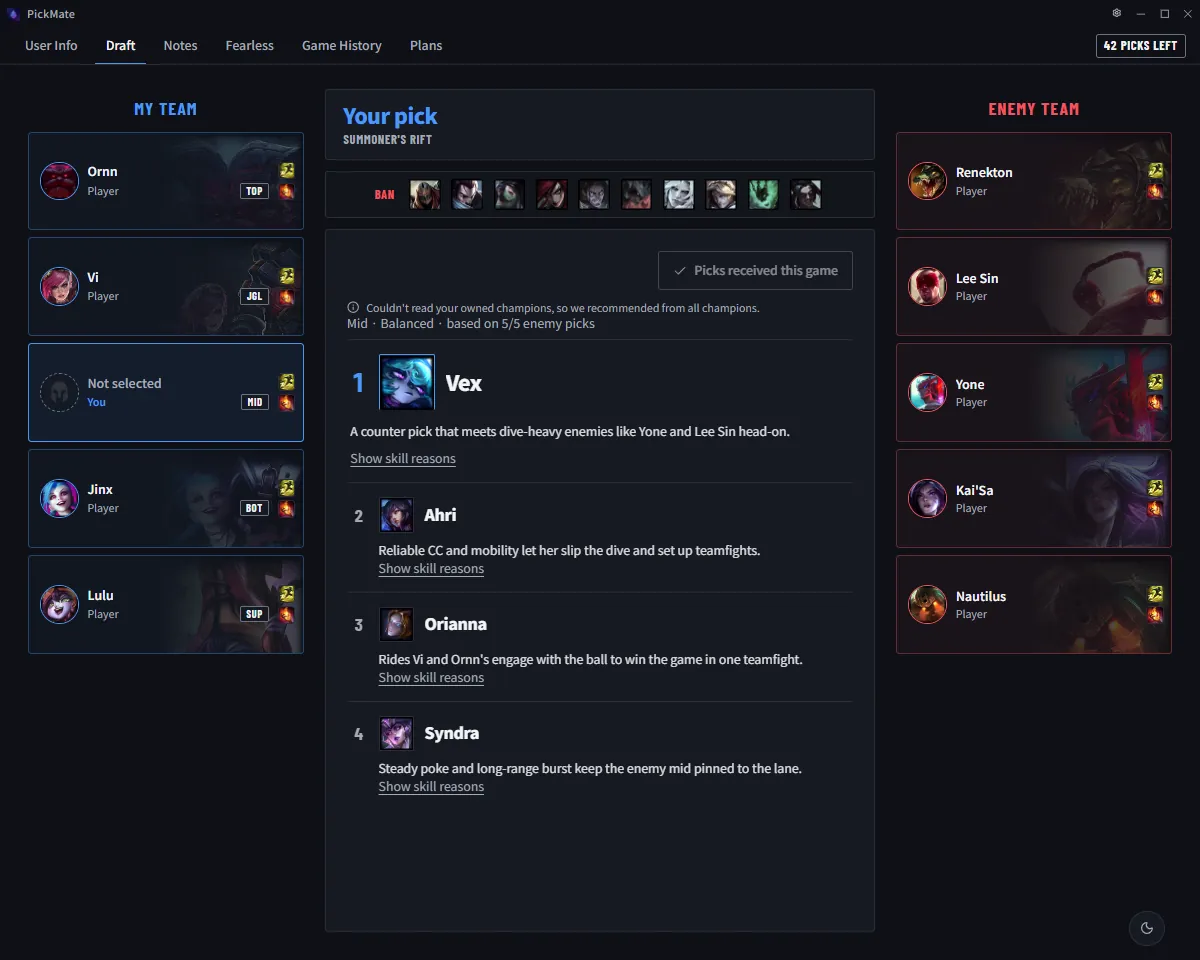
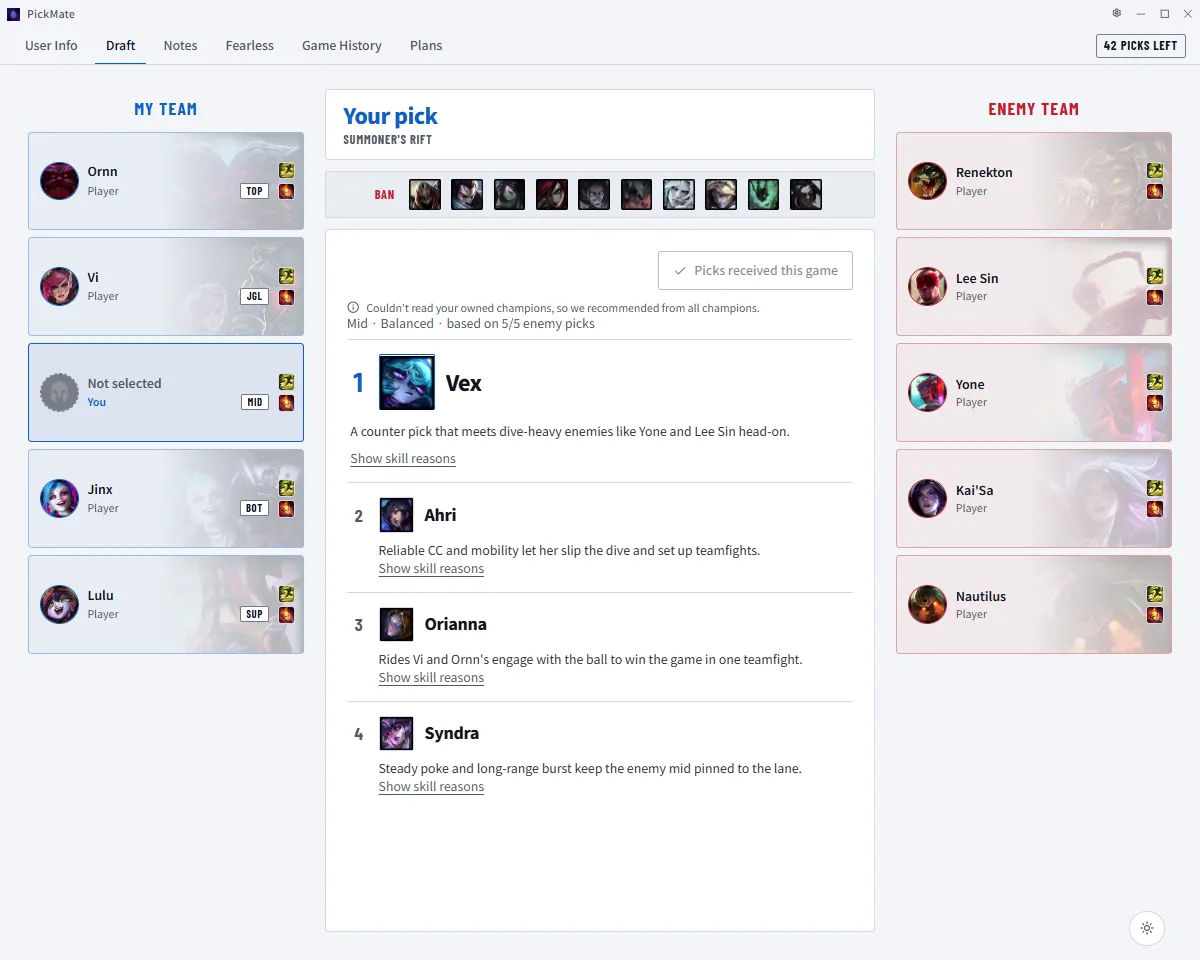
Four picks that fit the draft
Each card explains why the champion fits and which abilities matter most this game.
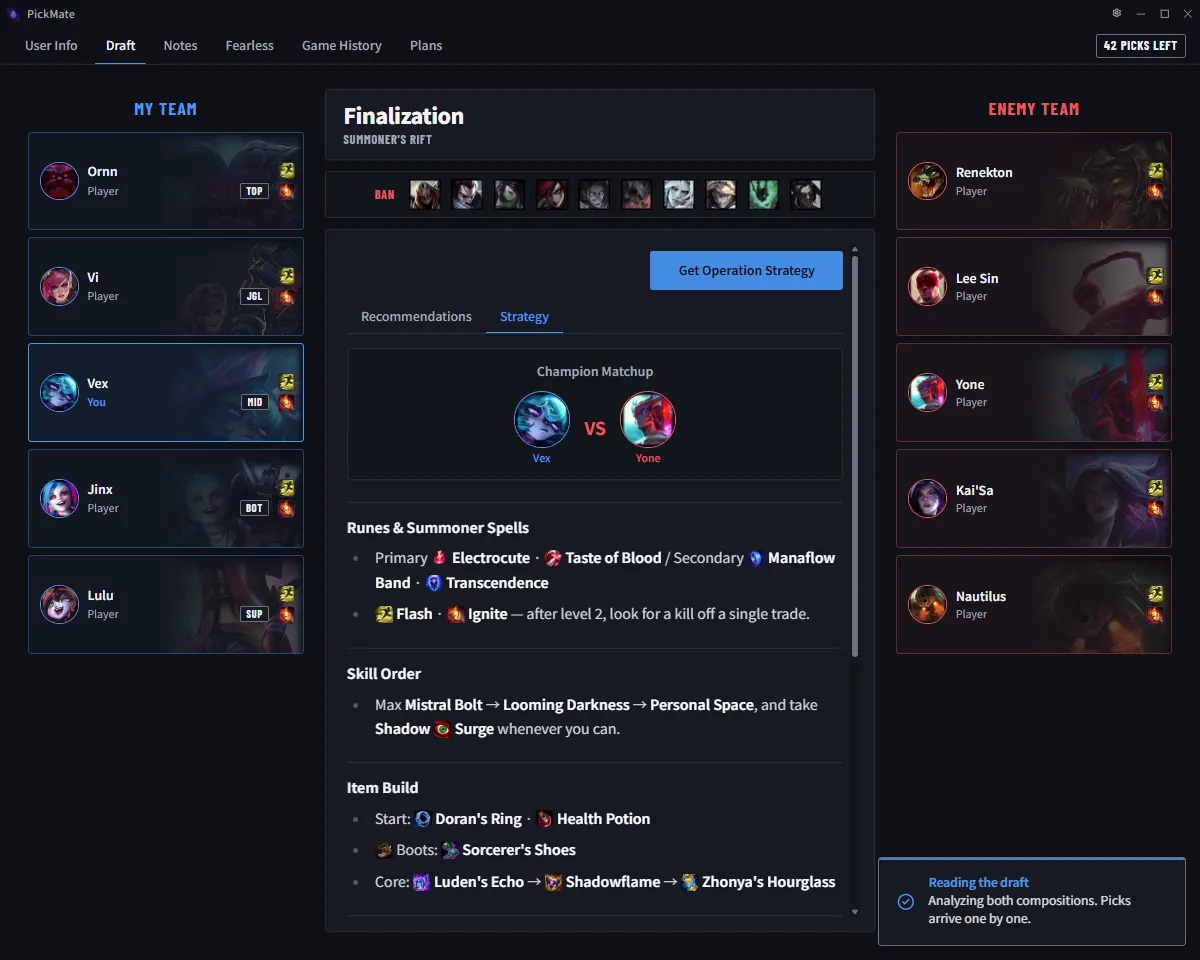
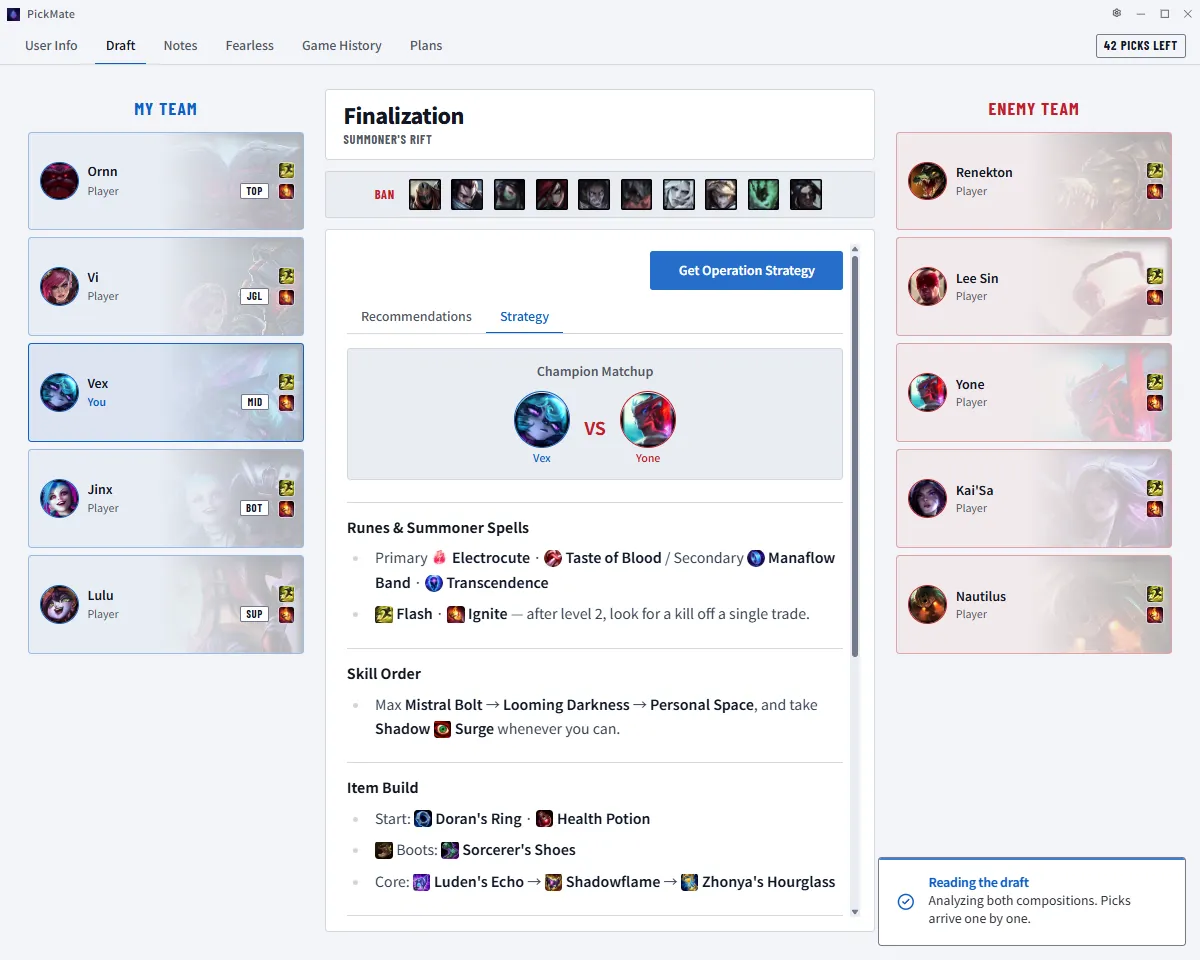
Runes, build and laning plan
It predicts your lane opponent and sums up runes, items, laning and teamfight priorities.
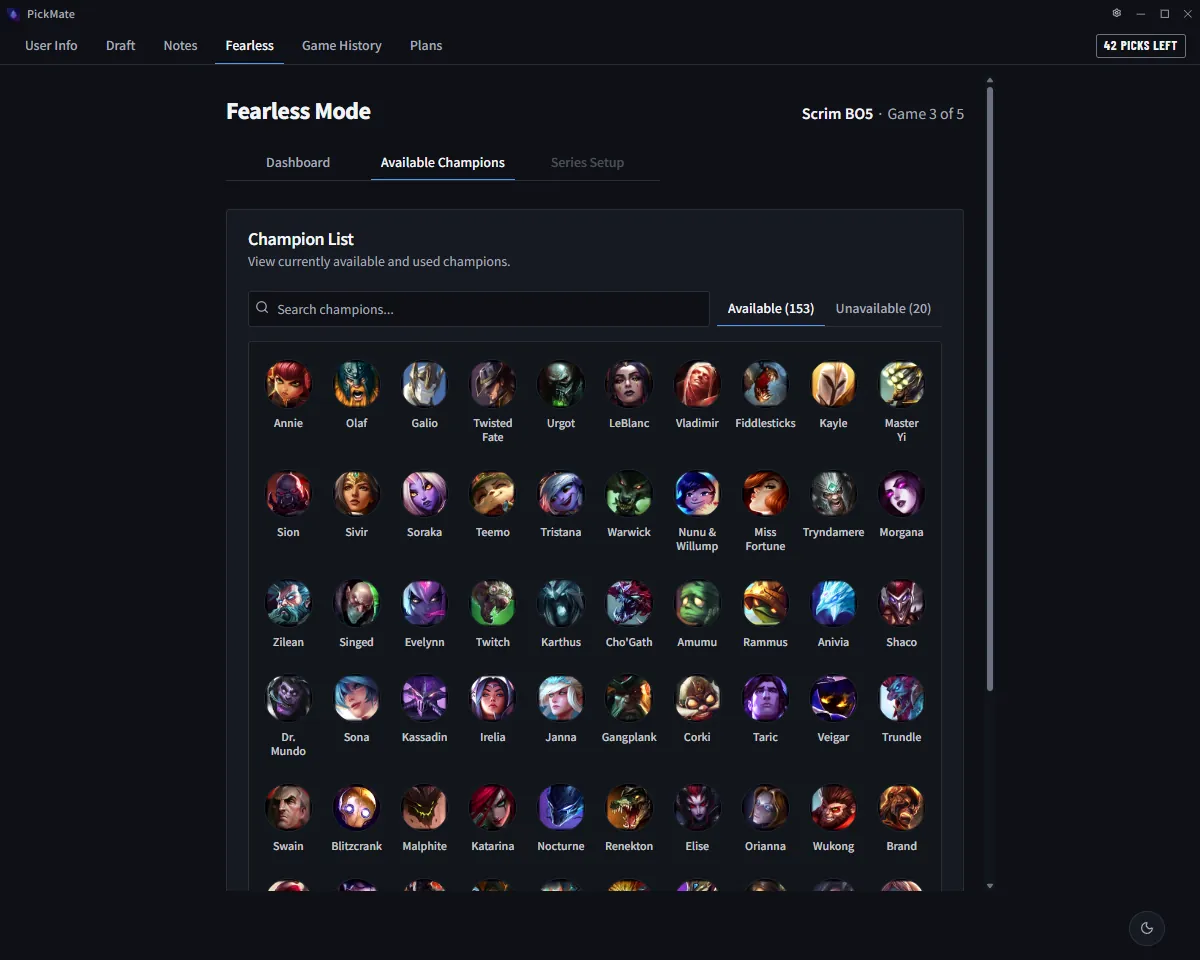
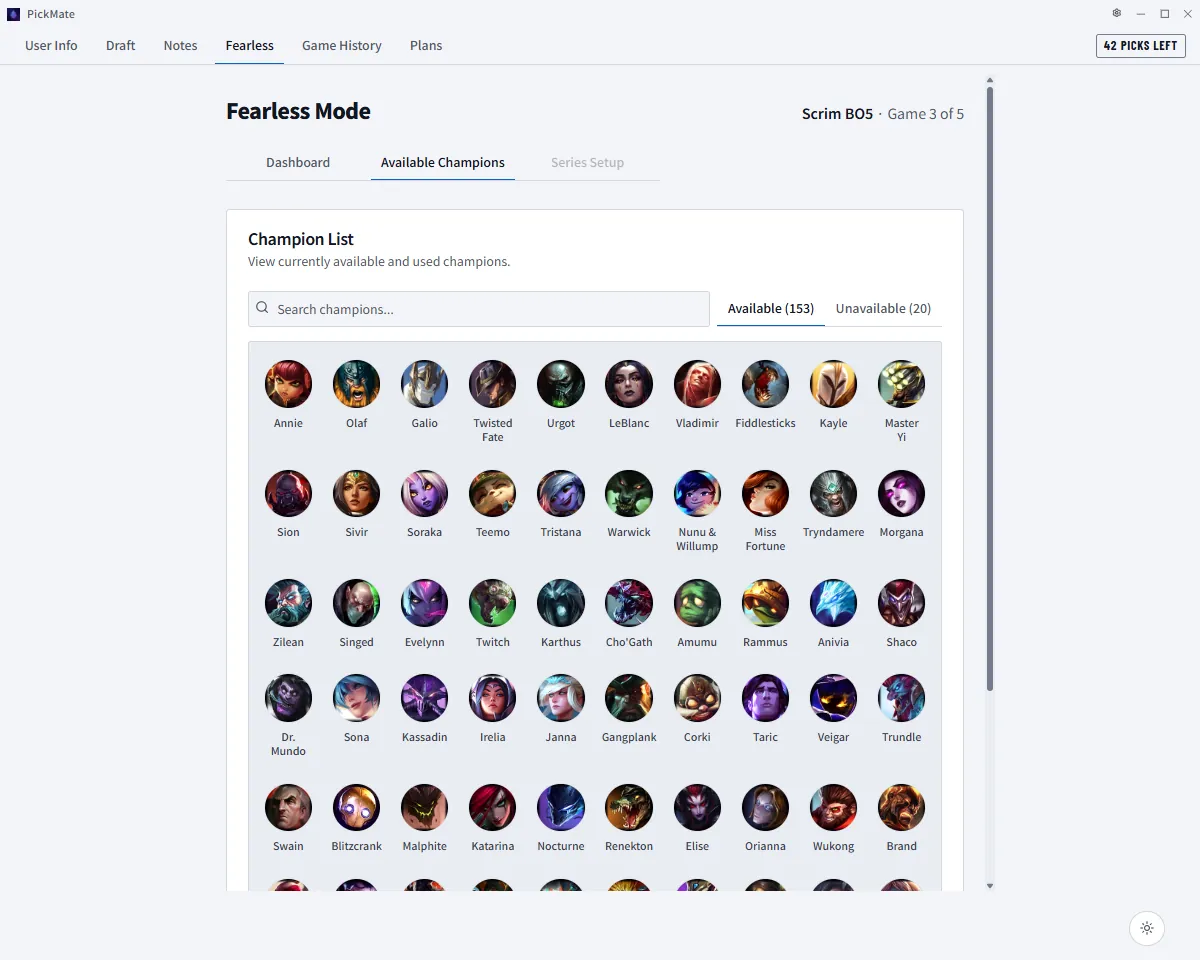
Fearless series, handled
Champions already used in the series are excluded, and picks and bans are recorded when a game ends.
Start free, pay only for what you need
One recommendation costs one credit. Free credits arrive every month — subscribe or grab a pack if you need more.
Free
Start here₩0
30 credits every month
Launch promotion amount. It changes to 10 per month afterwards.
Basic
₩2,900/mo
100 credits every month
Auto-renewing subscription
Pro
₩5,900/mo
300 credits every month
Auto-renewing subscription · ad-free
Credit pack
₩1,900one-time
50 credits
Never expires · used after your monthly credits run out
Subscriptions and packs are purchased from the [Plan] menu in the app.
Frequently asked questions
How it works
How are champions recommended?
Candidates are scored with statistics from the current patch, then AI reads your team comp, the enemy picks and the bans to choose four and explain why.
What is Fearless mode?
In a Fearless series, champions used in earlier games can't be picked again. Hard Fearless also locks out champions banned twice in the series. With game tracking on, picks and bans are recorded automatically when each game ends.
Does it work in ARAM?
Yes. In ARAM it recommends which champion on the bench to swap to for your current team.
Account & install
How does it use my League account?
It reads champ select from the League client running on your PC. Game data is used under Riot Games' developer policies, and it never asks for your Riot password or an API key. You sign in with a social account such as Google or Kakao.
Windows shows a warning when I install it.
The app isn't code-signed yet, so SmartScreen may warn you on first launch. Click 'More info' → 'Run anyway' to install.
What do I need to run it?
Windows 10/11 (64-bit) PCs only. It doesn't run on Mac or phones. The app is available in Korean and English.
Credits & pricing
Can I use it for free?
Yes. Signed-in users get free credits every month, and each recommendation uses one credit. If you need more, you can subscribe (Basic or Pro) or buy a credit pack in the app.
How many credits does one game take?
A champion recommendation and a game plan are 1 credit each, so getting both in one game takes 2 credits. An ARAM recommendation is also 1 credit.
Try it in your next champ select
Install it, launch League, and you're set. Start with free monthly credits.