
PickMate for Windows
Install it, sign in, and keep the League client open — that's all.
Download for WindowsVersion 1.40.12
A Windows SmartScreen warning may appear
The app isn't code-signed yet, so Windows may warn you on first launch. Click 'More info' → 'Run anyway' to install.
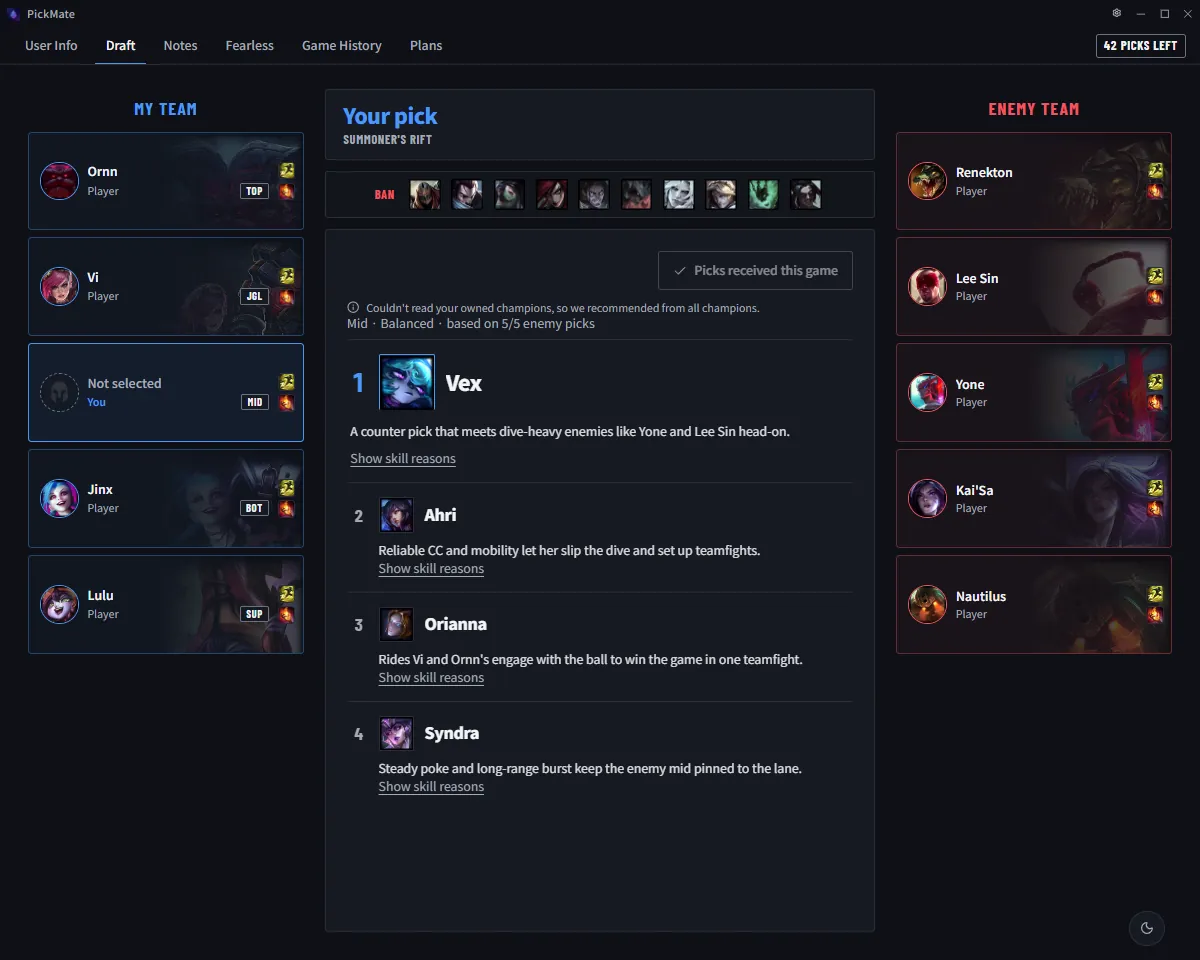
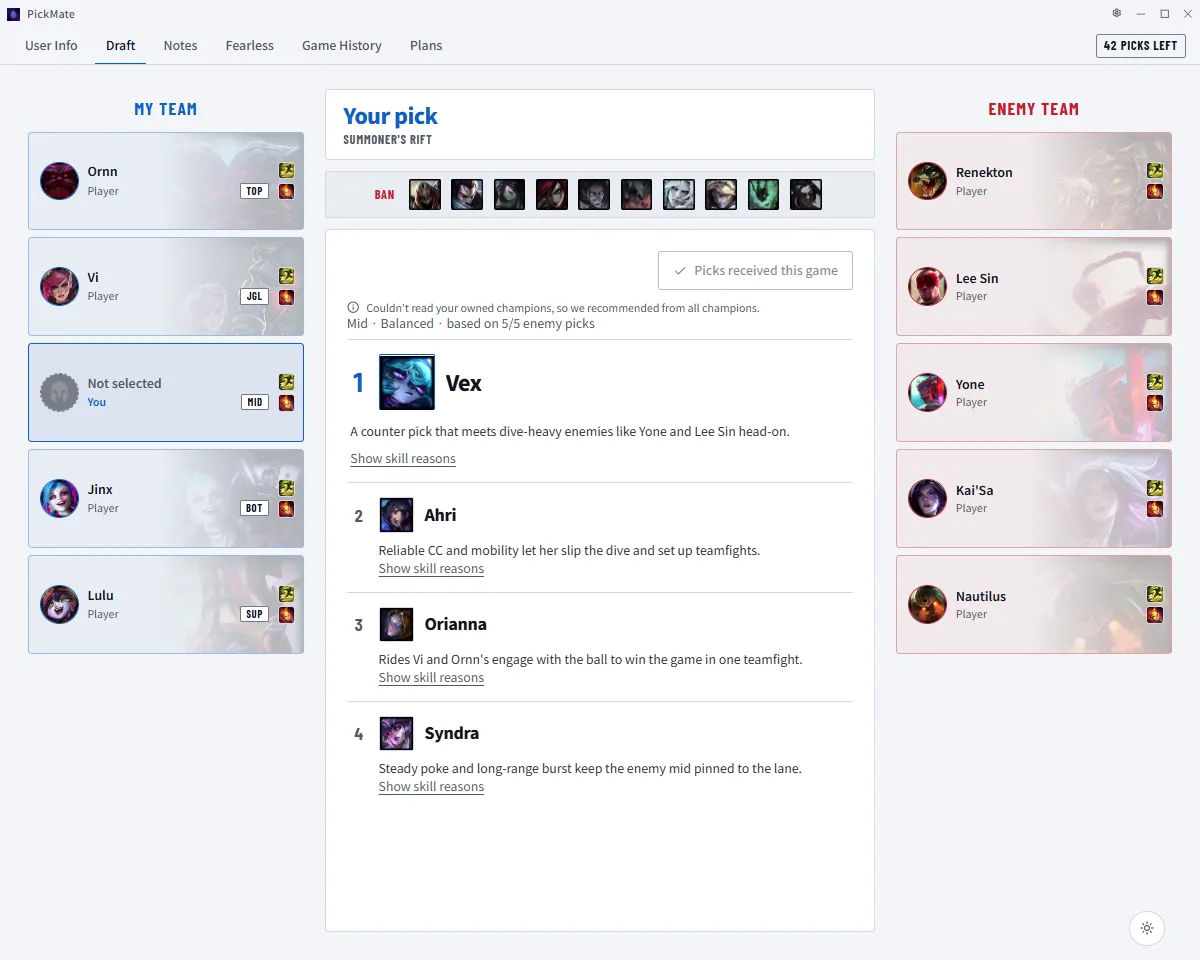
After you download
Run the installer
If SmartScreen warns you, click 'More info' → 'Run anyway' to install.
Sign in with a social account
Open the app and sign in with a social account such as Google or Kakao.
Launch League
Keep the League client open and the app connects on its own when champ select starts.
System requirements
- OS
- Windows 10/11 (64-bit)
- Memory
- 4 GB RAM or more
- Processor
- Enough to run League of Legends
- Storage
- 200 MB available space